Windows App , iOS Apps
Onboarding: making personalisation visible
I turned a static data-collection step into an opportunity to show users the value of personalisation before asking them to commit their information.

Overview
Making onboarding feel more useful
The existing onboarding experience was functional, but it felt more like a form than an introduction to the product. Users were asked to provide information about themselves and their industry, but the experience gave little indication of why that information mattered or what they would get in return.
The brief was to refresh the experience, align it with Drawboard's current visual language, and create a more meaningful connection between what users told us and how we can personalise the app better for them.
The Solution
As the lead product designer, I worked with PMs, the CEO and developers to shape the flow, explore the experience, and bring the final UI and graphics through to development and QA.
Research
Onboarding that feel more than just a checklist
I reviewed onboarding experiences across several note-taking and productivity products to see how others approached similar questions. Interestingly, most followed a familiar pattern: introduce the product, ask users about themselves or their use case, personalise the experience, and then move them forward.


The functional flow itself wasn't particularly novel. What stood out to me was how much personality and perceived quality came from the details like clean illustrations, strong branding, responsive interfaces and subtle micro-interactions. This shifted my focus from trying to reinvent the onboarding structure to making Drawboard's version feel more purposeful, visual and connected to the product itself.
I mapped out the main flows to clarify the key onboarding steps. It also served as a talking point to check with the team for any missing states.

Design
Personalisation users could see
The biggest opportunity missing from the current design was to make personalisation tangible. I wanted users to see what Drawboard could look like for them based on the choices they make. Instead of feeling like they’re filling out a static form, users see a dynamic preview alongside each question: as they select an option, the toolbar updates to show a relevant set of tools. At the same time, the surrounding PDF background and mock annotations change to reflect their use case.

Ideation of potential designs
Making onboarding feel like Drawboard
With limited development time and a requirement to reuse existing components where possible, I looked for ways to make the experience feel more dynamic without introducing unnecessary complexity. I created custom PDF backgrounds, mock annotations, and personalised toolbar previews that changed with the user's selections, which helped break up the form-like structure.

Micro-interactions were considered but ultimately weren't feasible given the available development resources, so I worked with the developers to focus on a lighter form of responsiveness, making the content itself more dynamic.
Delivery
Ironing out the details
Although the flow looked relatively simple on the surface, the combination of personalisation, conditional content, and interactive previews introduced more states than I expected. As the designs moved into development, I worked closely with developers to identify and resolve edge cases across the different selections, toolbar configurations and content states. I also kept my PM in the loop to make sure we stayed on the right track.

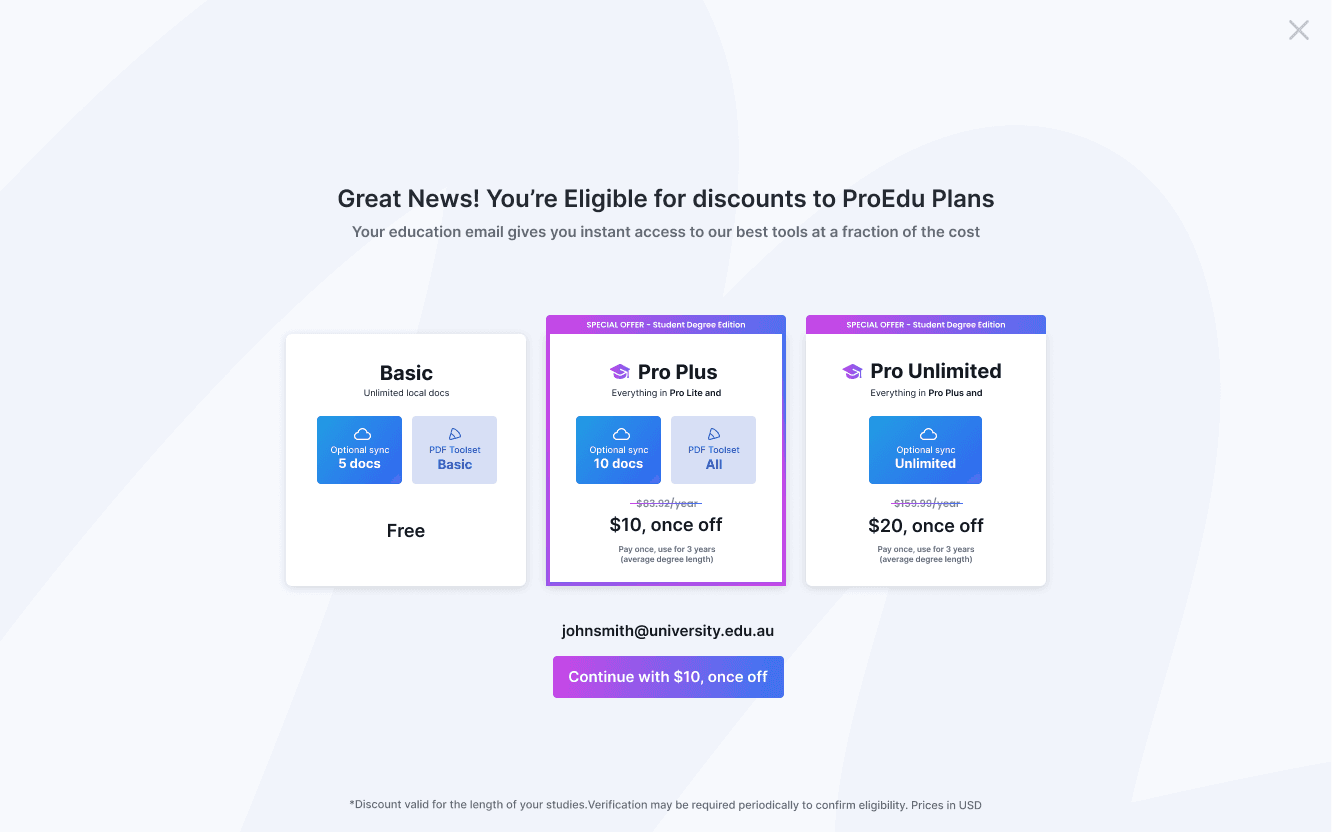
Finally, I took the experience through QA, working closely with the developers to make sure the implemented product matched the intended design. It was a useful reminder that a handful of screens can represent a much larger system of states once you introduce interaction and conditional logic.
Reflection
Simple on the surface, not underneath
This project reminded me that a feature's size doesn't necessarily reflect how complex it is to design well. The original brief felt lightweight at first: refresh the UI, introduce personalisation, and align the experience with the brand, but the combination of conditional content, interactive previews, and multiple toolbar configurations created more edge cases than I expected.
Working closely with PMs and developers helped me catch and resolve states I hadn't anticipated. It reminded me of the importance of building strong relationships with my developers and PMs and keeping an open channel to discuss pivots throughout the project.
